
Section outline
-
-
Finding MyNGI
MyNGI is an online site, like Facebook and Instragram.
You will need to have an active internet connection to access MyNGI.
You can access MyNGI using any web browser on your phone, laptop or desktop.
The easiest way will always be to go via the NewBridge Graduate Institute Website.
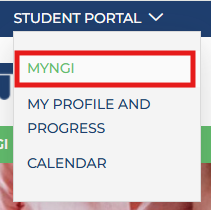
Clicking on the student portal drop-down menu
Clicking on MyNGI
Log into MyNGI
As a registered student of NGI, you will receive a complete Microsoft Office 365 profile.
During your registration process, you have received a Tech_Letter, that outlines step by step how you should set up your institutional profile.
Once your Microsoft Office 365 Profile is activated, MyNGI will only use those details to log you in.
Using the OpenID Connect function will prompt you to sign in using your active Institutional profile.
MyNGI Home Page
Once you've successfully logged into MyNGI, you will always be directed to the Home Page.
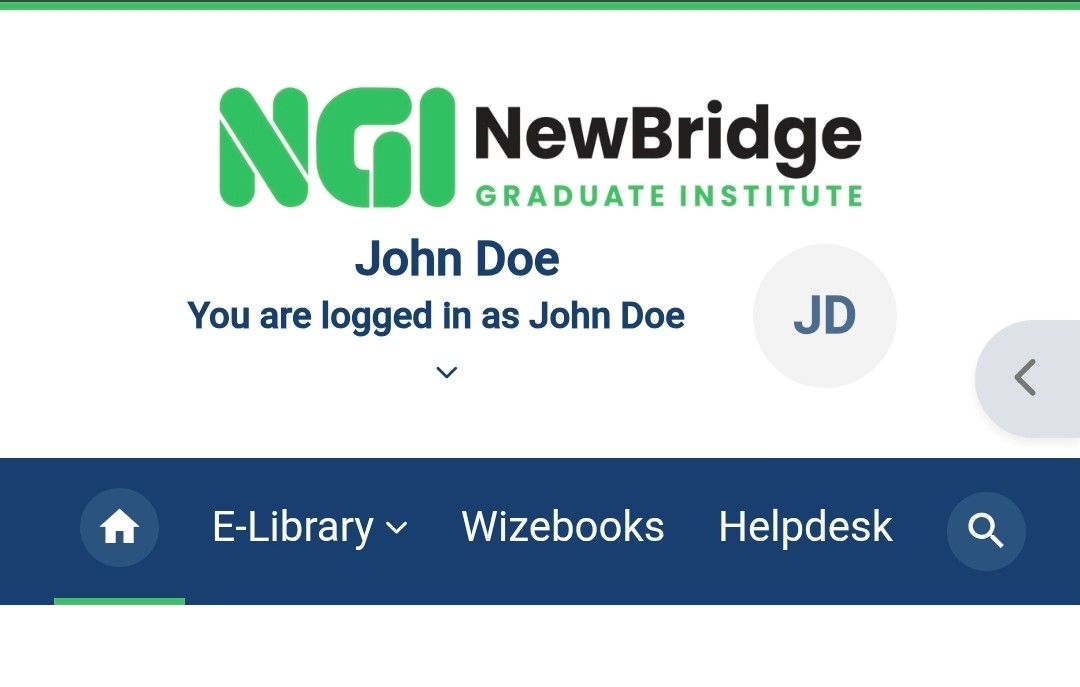
Your home page will always display the following sections.
- Home page
- E-Library
- Wizebooks
- HelpDesk
- Your Profile page
-
Home Page Banner
The banner section appears right below the menu.
Here you can have a quick look to see what NGI is currently celebrating or working towards.
You can look forward to SRC events, National celebrations, important community engagements, and so much more!
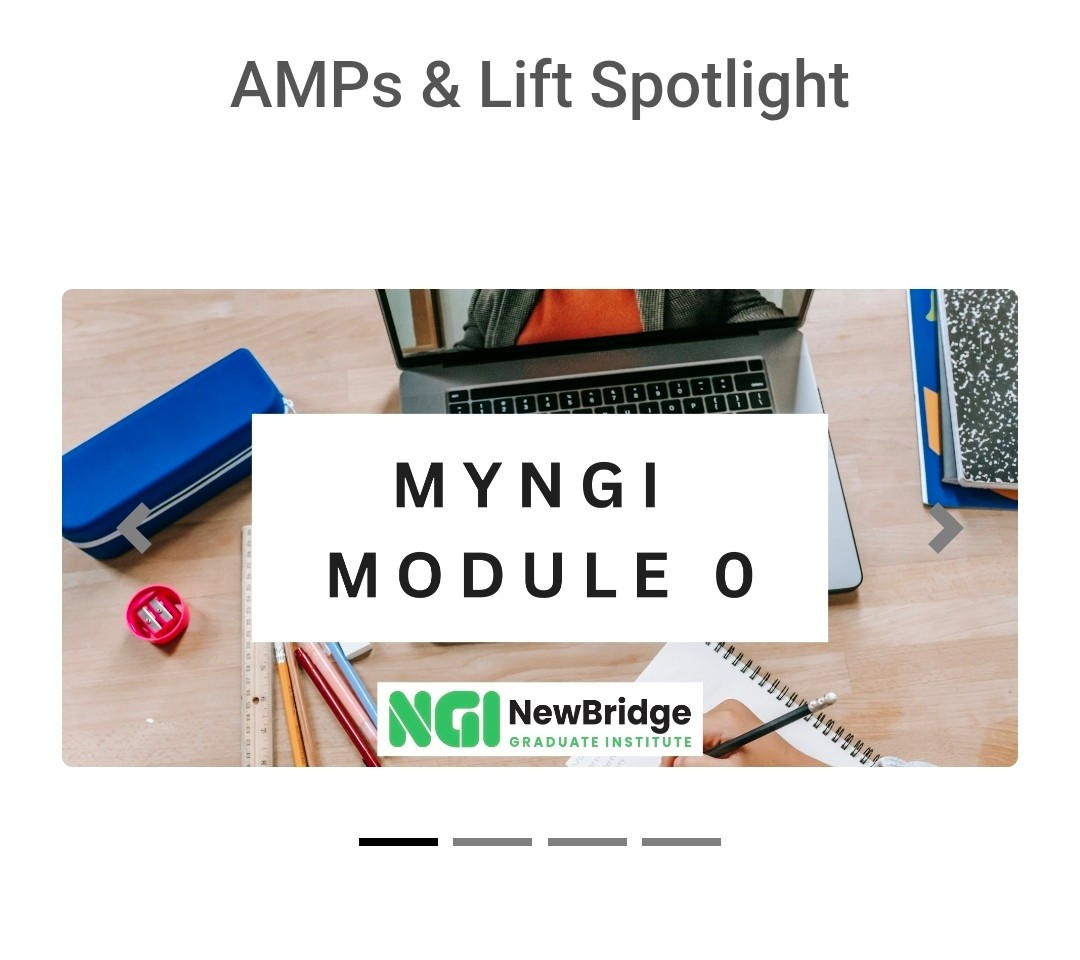
Home Page - AMPs & Lift Spotlight
As a registered student at NGI, we want to ensure that you have all the needed support to succeed in your studies.
We want to AMP you up and empower you not only with knowledge but the needed skills to achieve your dreams.
That is why we've created AMPs (which stand for Access, Mastery and Performance) support courses and Lifts.
During each academic year, you will have access to 6 brand new AMP courses for free!
They will periodically receive a spotlight on the MyNGI home page for you to have access to and complete.
Lifts, which are academic support sections, are built into your registered modules, so keep an eye out for them as well including institutional Lifts which focus on providing you with general academic support!
-
Latest Announcements & My courses
Having access to information is vital.
Keeping you in the loop on any developments is one of our top priorities.
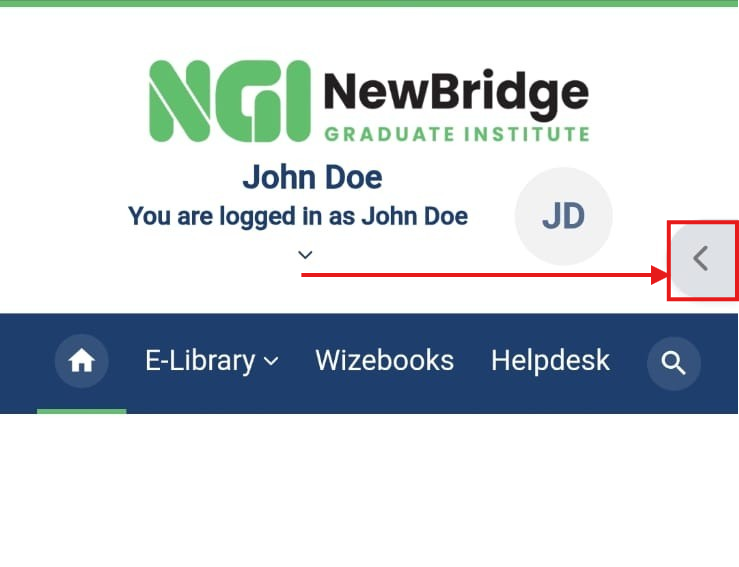
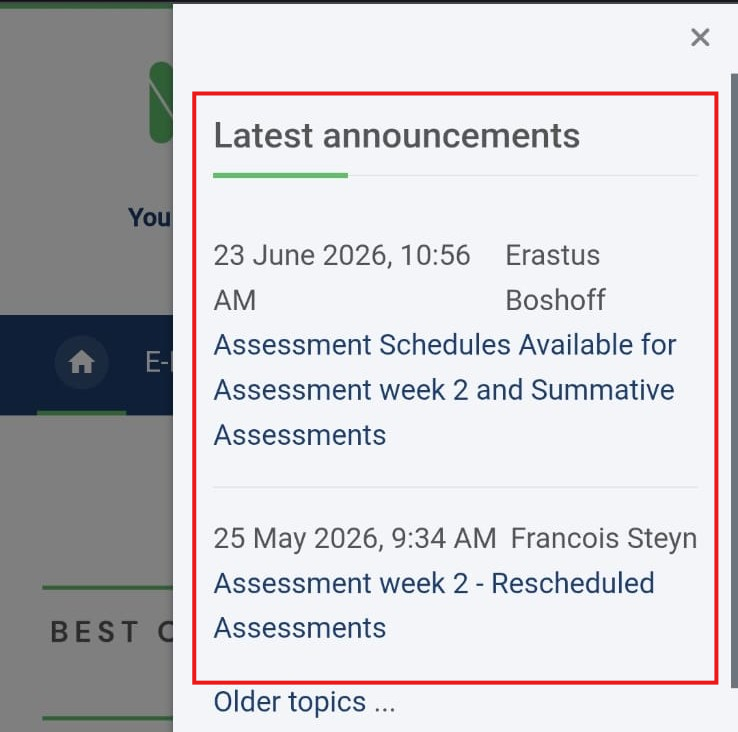
To access Site Announcements, you will need to open the right hand-block in myNGI. From here your Latest Announcements will always show as the top section
-